Bridging the Gap: Using Technology to Foster Collaborative Learning
19 March 2026
Let’s face it—traditional classrooms don’t always cut it anymore. You’ve got one teacher, 30 students, and a chalkboard. Maybe a projector if you're “lucky.” The truth is, students aren’t just sponges sitting there waiting to soak up facts. They’re curious, unique, and, more than ever, wired into a digital world that’s fast, interactive, and collaborative.
So, what’s the missing puzzle piece? Technology. And no, this isn’t about tossing Chromebooks into classrooms and calling it a day. It’s about using technology intentionally to build bridges—between students, between ideas, and across the globe.
In this article, we’re going to dive headfirst into how technology can turn a solo activity like learning into a team sport, and why that’s such a game-changer for education.
Why Collaboration Matters in Learning
Before we geek out on gadgets and apps, let’s get back to basics—why is collaboration important in the first place?Think about it. When you work with others, you’re not just memorizing stuff. You’re talking it out, challenging ideas, solving problems together. You're building communication skills, empathy, and the ability to work with different perspectives—all things real life throws at you way more than a pop quiz.
Collaborative learning transforms students from passive consumers of information into active creators of knowledge. And that’s where the magic happens.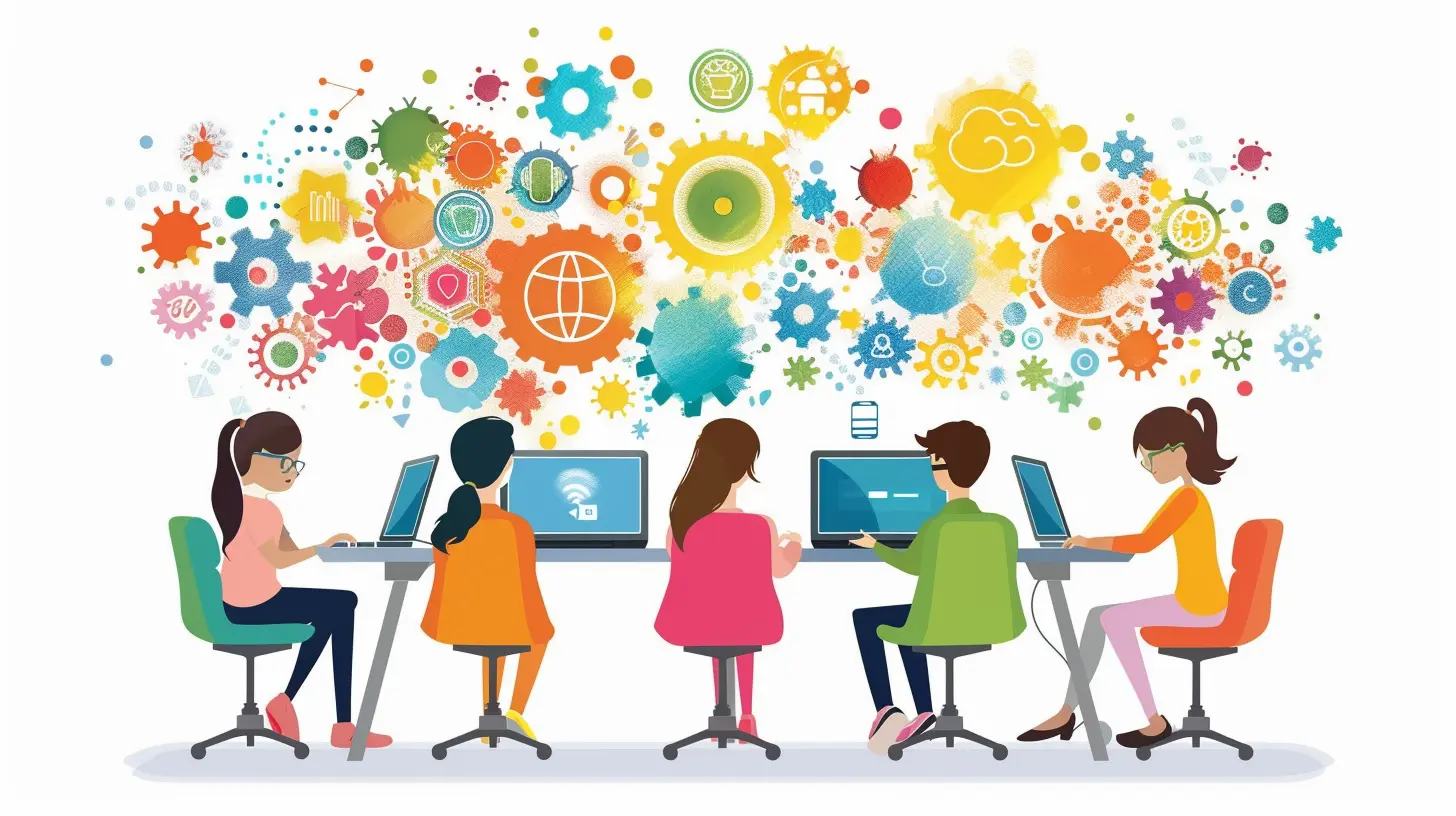
The Role of Technology in Modern Classrooms
Technology is the toolbox. It's not the teacher; it's not the lesson plan—it’s the gear that makes everything run smoother, faster, and more efficiently.So, how does tech make collaboration easier?
- It breaks down walls — literally and figuratively. A student in California can work on a project with a classmate in Japan.
- It accommodates different learning styles — visual, auditory, kinesthetic, and everything in between.
- It boosts engagement — interactive tools make learning feel like a game, not a chore.
- It gives students agency — they’re in the driver’s seat, steering their own learning journey.
Let’s unpack some of the ways this plays out.
Tools That Are Changing the Game
1. Google Workspace for Education
Good old Google Docs, Slides, and Jamboard. These tools may look simple, but they’re powerful. Multiple students can edit the same document in real-time. No more "You forgot to email me the file!" excuses. It’s like a digital version of gathering around the same table—and nobody spills the coffee.Google Classroom, in particular, acts like the hub where students connect, communicate, and collaborate, all under one platform.
2. Microsoft Teams and OneNote
Microsoft’s take on collaborative learning is pretty robust. Teams allows for real-time discussion, video calls, file sharing, and even interactive quizzes. OneNote acts like a digital binder that groups can use for brainstorming, planning, and keeping everything organized.Using these tools makes group projects feel less chaotic and more structured.
3. Video Conferencing Platforms (Zoom, Google Meet, etc.)
Especially after 2020, virtual face-to-face collaboration has become second nature. Whether it’s for peer reviews, team check-ins, or international collaboration, these platforms keep students connected no matter where they are.4. Interactive Whiteboards (Padlet, Jamboard, Miro)
Think of these like the digital version of a classroom wall where everyone posts sticky notes. Students brainstorm, co-create mind maps, and visually organize thoughts together. It’s messy in the best possible way—creativity needs room to sprawl, and these tools let it happen.5. Learning Management Systems (Moodle, Canvas, Edmodo)
These platforms aren’t just for turning in homework. They're becoming social spaces where students discuss content, collaborate on assignments, and access shared resources. LMS tools integrate chat features, forums, group pages, and even peer assessment capabilities.6. Game-Based Learning Apps (Kahoot!, Quizizz, Minecraft: Education Edition)
Gamifying collaborative learning? Yes, please. Students work in teams, compete in real-time quizzes, or build entire virtual worlds together. Talk about engagement!
How Tech Encourages Peer-to-Peer Teaching
Here’s something cool—when students use tech together, they often end up teaching each other."Hey, how did you do that?"
"Let me show you."
And just like that, one student becomes a mini-teacher. This peer-to-peer instruction not only reinforces their own learning but also builds confidence and solidifies concepts.
Plus, hearing something explained by a classmate sometimes just hits different. It's relatable. It's in their language.
Going Global: Connecting Classrooms Worldwide
One of the most powerful things technology has done for collaborative learning? It’s erased borders.Now, kids can:
- Team up with students in another country for a science project.
- Practice new languages with native speakers using video exchanges.
- Learn global perspectives on social issues through student forums or virtual town halls.
It’s not just about learning from your classmates in Room 204 anymore. The classroom is global.
Addressing Challenges (Because Let’s Be Real)
Of course, it’s not all smooth sailing. Let’s tackle some of the elephants in the digital room:1. Digital Divide
Not every student has reliable access to devices or the internet. Schools and governments need to step up to ensure equal access to tech tools—otherwise, the gap gets wider, not smaller.2. Distractions Galore
You give students a laptop, and bam—they’re watching cat videos. The key here is teaching digital citizenship. Just like we teach students to behave in a classroom, we need to teach them how to focus and engage online.3. Over-reliance on Tech
Yes, technology is amazing. But it shouldn’t replace face-to-face interaction or hands-on experiences. It's a supplement, not a substitute. Balance is crucial.Real-Life Examples That Inspire
Let’s look at some real-world stories where tech-fueled collaboration raised the bar:Example 1: The Global Read Aloud Project
Each year, classrooms from around the world read the same book and connect via tools like Skype, Flipgrid, and Twitter to discuss themes, characters, and personal connections. Suddenly, a reading assignment becomes a global literary discussion.Example 2: Minecraft Education Projects
In some schools, students use Minecraft to collaboratively design solutions to real-world problems—like creating sustainable cities or reenacting historical events. Talk about combining creativity, history, and problem-solving in one digital sandbox.Example 3: Virtual Science Fairs
Students from different regions collaborate on experiments, then present their findings in virtual conferences. They compare data sets from different climates, share recorded presentations, and attend Q&A sessions in breakout Zoom rooms. Science goes fully global.Tips for Teachers: How to Make It Work
Tech can feel overwhelming, but you don’t have to master everything at once. Here are some bite-sized tips:- Start small. Pick one collaborative tool and try it out. Maybe Google Slides for group presentations?
- Set clear roles for group work so everyone contributes.
- Encourage reflection using discussion forums or blogs. Let students talk about what worked, what didn’t, and what they learned.
- Mix synchronous and asynchronous collaboration. Not everything has to happen in real-time.
- Celebrate collaboration. Highlight great teamwork, not just individual scores.
What the Future Looks Like
The future of education? Think hybrid classrooms. AI tutors. Virtual reality field trips. Global collaboration as the norm, not the exception.And possibly holograms (okay, we’re not quite there yet—but we’re close).
The point is, technology will keep evolving. But the goal stays the same: making learning more human, more connected, and more fun.
Final Thoughts
Bridging the gap in education isn’t just about closing learning discrepancies or giving everyone a tablet. It’s about creating spaces—digital and physical—where students can come together to think, create, and grow. Tech isn’t the endgame. It’s the bridge.So, whether you're a teacher trying to spice up your lesson plan, a student wondering why you need to join yet another Google Doc, or a parent curious about what your kid is doing on Zoom all day—just remember: collaboration is the heartbeat of learning. And technology? That’s the rhythm that keeps it pulsing.
Ready to cross that bridge?
all images in this post were generated using AI tools
Category:
Educational TechnologyAuthor:

Anita Harmon
Discussion
rate this article
2 comments
Kade Castillo
Could the very tools designed to connect us also create unseen divides? Explore how technology reshapes collaboration in unexpected ways, revealing truths about learning that remain just beyond our grasp.
March 30, 2026 at 3:43 AM
Anita Harmon
Absolutely, while technology enhances connectivity, it can also inadvertently widen divides by promoting superficial interactions and unequal access. This duality underscores the importance of intentional design in collaborative tools to ensure they truly foster inclusive and meaningful learning experiences.
Andrew McCord
This article brilliantly highlights how technology can transform collaborative learning! It’s amazing to see how digital tools can connect students and enhance teamwork. Excited to explore these strategies in my own classroom! Great insights!
March 21, 2026 at 5:30 AM
Anita Harmon
Thank you for your kind words! I'm thrilled to hear you're excited to implement these strategies in your classroom. Happy teaching!