How to Use Technology to Create Collaborative Global Classrooms
7 December 2025
Welcome to the 21st century, where your classroom can stretch from Chicago to Shanghai without anyone needing a passport or dealing with the horror of airline food. Yes, my fellow educators and lifelong learners, we're diving headfirst into the magical realm of global classrooms — powered by good ol’ technology. It’s not just a buzzword you nod along to during conferences anymore. It’s real, it’s happening, and it’s actually pretty awesome.
Let’s unwrap the shiny gift that is technology and see how it can make your students collaborate with peers around the world like international diplomats—except with fewer suits and more emojis.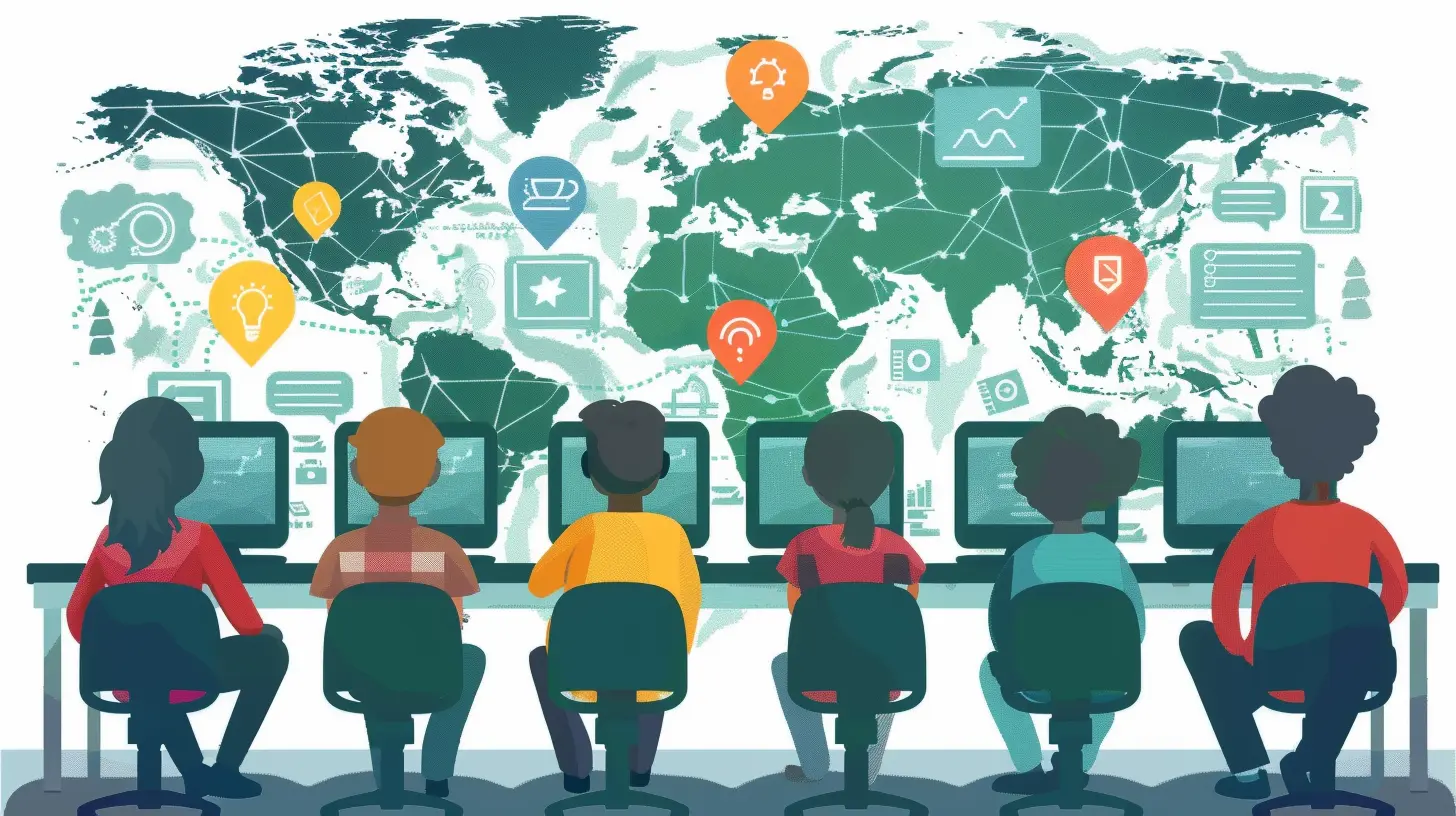
The Global Classroom: Not Just a Fancy Phrase
Okay, so first off, what even is a global classroom? Picture this: students from different corners of the globe, time zones be darned, collaborating on projects, exchanging ideas, learning from one another — all through the wonders of technology. Think of it as a cultural exchange program, but everyone gets to stay in their sweatpants.Global classrooms are born when educators use tech tools to bridge geographical divides. We're talking Zoom calls with classrooms on other continents, shared Google Docs that span hemispheres, and online platforms where kids swap stories, languages, and probably memes (hey, they’re still learning, right?).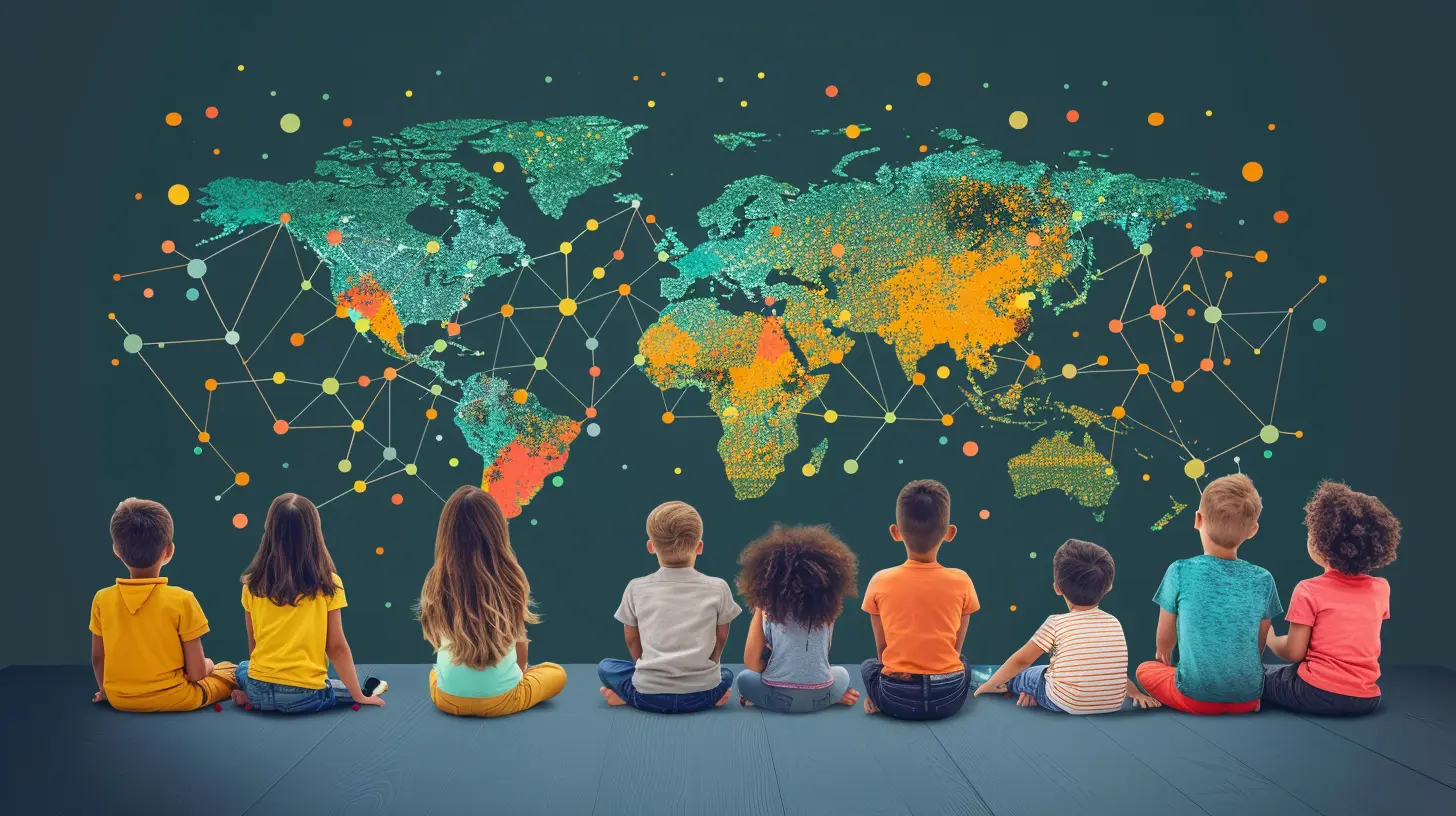
But Why Should We Care?
Ah, the age-old question: “What’s in it for me?” Glad you asked.Global collaboration isn’t just about bragging rights or ticking off the "global citizenship" checkbox in the curriculum. It actually helps students:
- Develop cultural awareness (because yes, the world is bigger than your town)
- Improve communication skills
- Collaborate effectively across time zones and cultures
- Gain empathy by seeing things from different perspectives
- Become tech-savvy (because sending a TikTok is not the same as managing a virtual project)
Basically, we’re raising mini United Nations delegates here—but cooler and with better Wi-Fi.
Step 1: Start With Your "Why" (And No, “Because Everyone Else Is Doing It” Doesn’t Count)
Before you start emailing schools in Iceland or Japan like a caffeinated pen pal, take a moment to think: What’s your goal here?Do you want your students to work on a global scientific research project? Collaborate on an art piece? Debate current events from both ends of the planet? Your purpose will help you pick the right tools and partners. Trust me, you don’t want to throw tech at the wall and see what sticks—that’s how you end up with three unused apps, five confused students, and a broken smartboard.
Step 2: Pick the Right Tech Tools (Aka Your Digital Swiss Army Knife)
Here’s where things get exciting (and slightly overwhelming). The tech world has more tools than a Home Depot aisle, but let’s keep it simple. Here are some superstar platforms for creating global collaboration:🌍 Video Conferencing Tools
- Zoom: The godfather of online meetings. Bonus: Virtual backgrounds to hide messy rooms!- Google Meet: Integrated with Google Classroom, smooth as butter.
- Microsoft Teams: A solid option if your school is already in the Microsoft ecosystem.
✏️ Real-Time Collaboration Tools
- Google Workspace (Docs, Slides, Sheets): The MVP for group projects.- Padlet: Like a digital sticky note wall. Great for sharing thoughts, photos, and yes, even doodles.
- Miro: A collaborative whiteboard that works well when you want to brainstorm like mad scientists.
🌐 Global Classroom Platforms
- ePals: Connects classrooms worldwide based on interests and projects.- iEARN: Offers structured global collaboration projects with a focus on social impact.
- PenPal Schools: Modern-day pen pals! Except not handwritten. And more educational.
Whatever tools you pick, just remember: simplicity is key. If your students need a 45-minute tutorial before logging in, it’s not the one.
Step 3: Find Your Global Classroom BFFs
Now that you've got the tools, you need partners—aka the other classrooms that will be your collaborative soulmates.Where do you find them? Start here:
- Professional Learning Communities (PLCs) on Twitter or Facebook
- Global Education Conferences – both virtual and real-world
- Education forums like Edmodo and TeachAway
Pro tip: When reaching out, be friendly, clear, and slightly enthusiastic (but not creepy). You’re building a long-distance relationship after all, not just borrowing sugar.
Step 4: Plan Like a Pro (Because Chaos Is Not a Teaching Strategy)
Just because your students are collaborating across the globe doesn’t mean you throw structure out the window.You'll want to:
- Set clear objectives: What are students expected to learn?
- Define roles and responsibilities: Who does what, and when?
- Establish communication norms: How often will they check in? What language will they use? (Google Translate isn’t perfect, FYI)
- Be mindful of time zones: Because asking a student to log in for a group call at 3 AM is, how do I put this gently? Cruel.
And yes, plan for tech hiccups. This isn’t Hogwarts — magic doesn’t fix frozen Zoom screens.
Step 5: Build Digital Citizenship Like a Boss
Technology might be the bridge, but respect and ethics are the guardrails. Before kids start chatting with students from Brazil or Egypt, it’s essential to teach:- Online safety (because not every email should be opened)
- Respectful communication (no shouting in all caps, please)
- Tolerance for different perspectives (hint: not everyone celebrates Thanksgiving or speaks fluent emoji)
Teach kids how to be good internet citizens before letting them roam free in the digital wild.
Step 6: Celebrate the Learning (Cue the Confetti)
Once students finish a global collaboration project, don’t just give them a virtual high-five and move on. Celebrate the heck out of it.- Share their projects with parents and the school
- Host a “Global Showcase Day” via video call
- Let students reflect on what they learned (and yes, allow them to say “it was cool talking to someone from Spain” — because that’s still growth)
Celebration reinforces the value of what they’ve done. Plus, it helps justify all those late-night lesson plans to your principal.
Some Pitfalls (Because Nothing Is Truly Magical Without a Few Trolls)
Alright, before you skip off to start your global classroom empire, let's keep it real. Here are a few landmines to look out for:- Unreliable internet: It doesn’t matter how engaging your project is if the Wi-Fi is having a meltdown.
- Time zones: Turns out Australia is not “just a few hours ahead”.
- Language barriers: Sometimes things are lost in translation (sometimes hilariously).
- Tech glitches: Someone’s mic won’t work. Someone’s screen will freeze. Breathe. It’s part of the charm.
Being flexible and having a sarcastic sense of humor helps a lot. Trust me.
Real Talk: Is It Worth the Trouble?
Listen, I get it. Coordinating a global classroom sounds like a part-time job with no pay and a lot of troubleshooting. But if you push through the mess — just a little — you’ll see the magic.Students light up when they hear real-life stories from peers on the other side of the world. They argue respectfully in debates, collaborate on projects, and learn to see the human side of headlines. You’re not just teaching curriculum anymore; you’re preparing world citizens. Take that, standardized tests.
Let’s Wrap This Digital Journey
Creating collaborative global classrooms with technology isn’t just a fancy classroom makeover. It’s a mindset — one that says learning can (and should) cross borders. It teaches students that the world is wide and diverse, yet connected in meaningful ways.So fire up that Wi-Fi, open your digital Rolodex (okay, fine, it’s Google Contacts), and start creating classrooms that prepare students not just for tests, but for life across cultures. Who knows? Your students might end up solving global challenges — or at least making a friend in Finland.
Either way, it beats reading from the same dusty textbook for the tenth year in a row.
all images in this post were generated using AI tools
Category:
Educational TechnologyAuthor:

Anita Harmon
Discussion
rate this article
2 comments
Tristan Barron
This article brilliantly highlights the potential of technology in fostering global collaboration among students. Embracing these tools can truly enhance learning experiences, broaden perspectives, and build connections that transcend borders. Excited to see these ideas implemented!
December 15, 2025 at 12:52 PM
Anita Harmon
Thank you for your insightful comment! I'm glad you found the article highlights valuable. Exciting times ahead for global collaboration in education!
Caroline McAnally
Turn your classroom into a global hotspot! Just remember: if you accidentally mute the entire class, it’s not ‘collaboration’—it’s a silent film festival! 🎬🌍
December 7, 2025 at 11:28 AM
Anita Harmon
Great point! Collaboration thrives on communication, so let’s keep the conversation flowing—no silent films allowed! 🎉